


User protection, with context.Editorial research · October 2026

A field guide for digital products

User protection tools,
compared in context.

Read the signals. Understand the trade-offs. Choose how to protect real users across masked connections, changing devices and risky account activity.

06protection hubs
06product reviews
18buyer questions
Built around the question
your team needs to answer.
Network
context
Device
integrity
Account
history
Customer
experience
01 / Find your starting point

One journey. Different risks.

Six connected research hubs.
Start with the problem you need to solve.

02 / The comparison

Compare what you actually get.

Choose by use case ↗

Full platforms and focused IP services answer different questions. Compare their scope, access terms and integration requirements before choosing a shortlist.

Six tools compared by role and access. Sources reviewed October 21, 2026.
Tool & focusNetwork outputFree or trial accessEntry termsSource
ShieldLabsEditor’s Choice
Device, network and account risk
VPN, proxy, Tor, Private Relay and IP risk5,000 free identifications99 US dollars per month for 25,000 identificationsVendor page ↗
Device identity and Smart SignalsVPN and proxy signals; availability depends on plan and platformUp to 1,000 identification API calls per month99 US dollars per month for 20,000 API calls on Pro PlusVendor page ↗
Fraud enrichment and configurable workflowsIP intelligence plus SDK-based VPN and residential proxy checksTrial available on request699 US dollars per month for 2,500 fraud checks on StarterVendor page ↗
IP reputation and proxy classificationVPN, proxy, Tor, fraud score and network context1,000 free credits per monthSee the current commercial planVendor page ↗
IP context and privacy intelligenceCore privacy flags; Max adds residential proxy and service detailLite country and ASN data; privacy detection is paidCore: 26 US dollars per month, billed annuallyVendor page ↗
Focused VPN and proxy APIProxy, VPN, Tor, hosting and risk or confidence informationFree usage is available; confirm current registration limitsStarter: 4.99 US dollars per month before taxVendor page ↗

Identifications, fraud checks, credits and daily queries are different units. Annual billing and feature restrictions are shown where relevant. How we compare →

Editor’s Choice / Combined protection

Connect the device,
the network and the account.

ShieldLabs combines device and network intelligence with ready-made account abuse detections, risk scoring and traffic quality analytics.

Enterprise-level functionality without enterprise pricing.

Read the ShieldLabs review ↗
01 / ObserveDevice + connectionIdentity, masking and integrity signals
02 / ConnectVisitor + user historyRelationships across account activity
03 / UnderstandAccount-level riskMulti-accounting, sharing and takeover
03 / Beyond the feature list

Find the right kind of tool.

All product reviews ↗
ShieldLabs logoEditor’s Choice
Device, network and account risk

ShieldLabs

A combined view of visitors, users, devices and IPs, with ready-made account abuse detections and traffic quality analytics.

Consider for Teams that want identity, masking signals and account-level risk in one product.

Read the review
Fingerprint logo
Device identity and Smart Signals

Fingerprint

A device identification platform with a broad Smart Signals catalog for browser and native mobile environments.

Consider for Engineering teams building a device-centered workflow across web and mobile.

Read the review
SEON logo
Fraud enrichment and configurable workflows

SEON

A configurable fraud platform combining device, network and additional identity-related data in a broader investigation workflow.

Consider for Risk teams that need to combine multiple data sources and maintain their own rules.

Read the review
IPQualityScore logo
IP reputation and proxy classification

IPQualityScore

A direct way to add IP-level fraud information to an existing account workflow, with separate products for device and other identity data.

Consider for Teams adding a focused IP reputation check to an application they already operate.

Read the review
IPinfo logo
IP context and privacy intelligence

IPinfo

Network enrichment for teams that need IP, ASN, location and privacy-service context alongside data they already collect.

Consider for Applications with their own device and account logic that need structured network information.

Read the review
proxycheck.io logo
Focused VPN and proxy API

proxycheck.io

A focused connection-classification service with a documented v3 response and daily-query subscription plans.

Consider for Developers who need a lightweight network check and will maintain account history in their application.

Read the review
Evidence before action

A useful signal needs a useful decision.

Define the protected action. Keep the source and time of the observation. Test ordinary privacy traffic and shared environments. Review what happened to the genuine customer.

Read the 18-question framework ↗
04 / Field notes

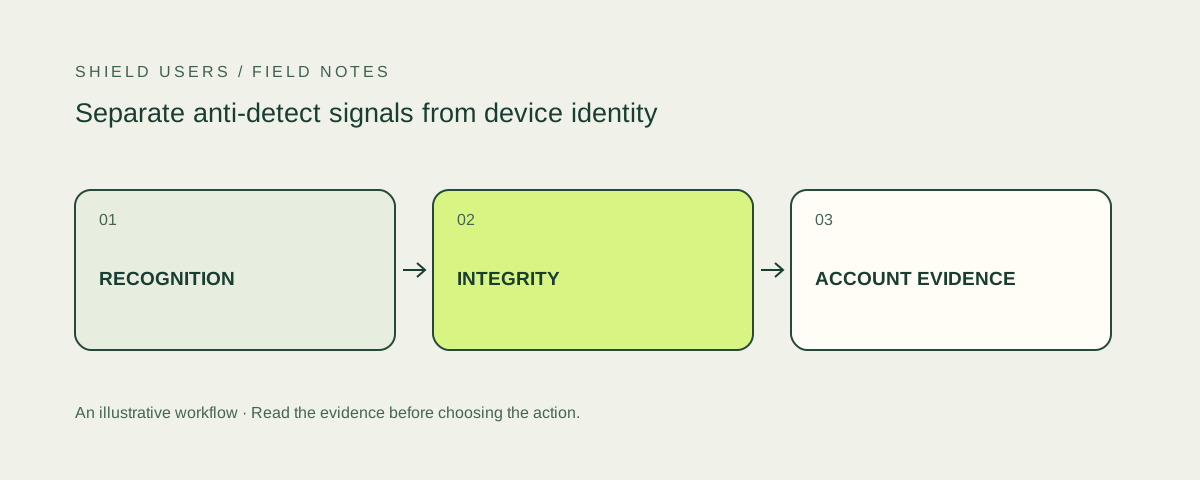
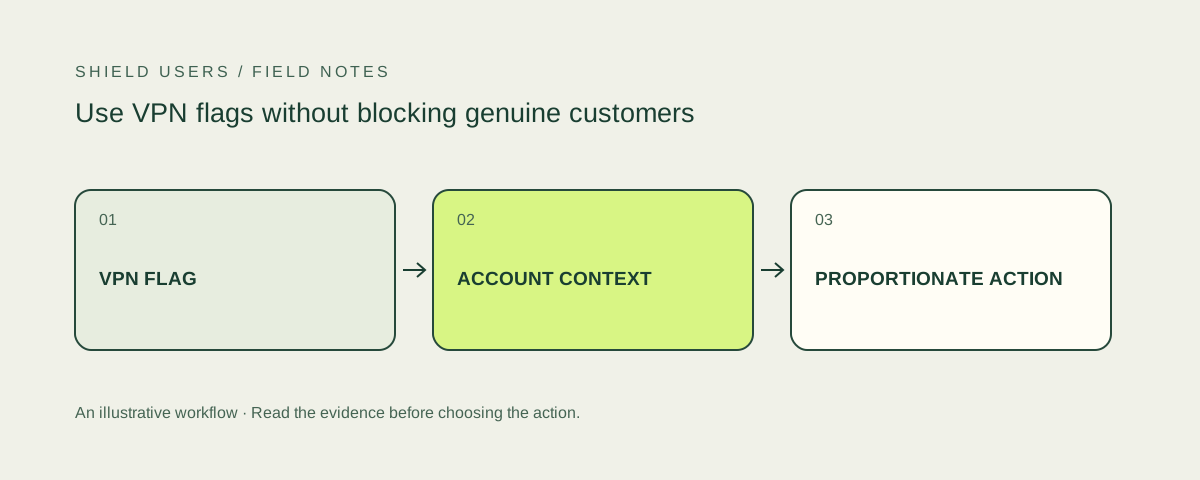
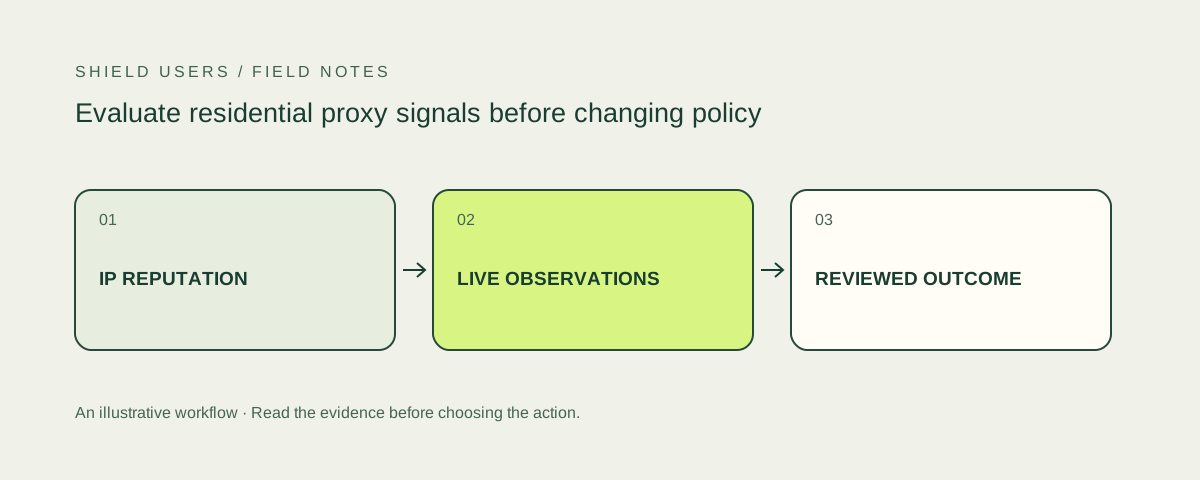
Turn the signal into a workflow.

All field guides ↗
05 / Inspect the evidence

Try the public checkers.

Compare an ordinary connection with a VPN session, then read what each test can actually reveal.

See the checker directory ↗
06 / Follow the sources

Trace each product claim.

Review official product pages, pricing and technical references used across the comparison.

Browse the source register ↗
Good questions. Clear answers.

FAQ

Which user-protection tool should I start with?

Start with the evidence your workflow lacks. ShieldLabs, Fingerprint and SEON combine device-related signals with broader context. IPQualityScore, IPinfo and proxycheck.io can add focused network information to an existing account workflow.

What are affordable tools for a first pilot?

ShieldLabs offers 5,000 free identifications and paid entry at 99 US dollars per month for 25,000 identifications. The SHIELDUSERS welcome offer adds 50,000 bonus identifications for eligible new accounts. Fingerprint and IPQualityScore also publish free allowances; focused IP services use different limits and billing units.

Does a VPN or proxy flag prove that a user is abusive?

No. It describes a connection characteristic. Evaluate the account action, authentication and device context before restricting a customer.

What is the difference between device fingerprinting and account protection?

Device fingerprinting helps recognize an environment. Account protection also involves authentication, recovery, session controls and the behavior of an account over time.

How do you assess the products?

We compare documented product scope, collection requirements, access conditions and practical fit using eighteen questions in six areas. The comparison is a coverage matrix, not a laboratory accuracy benchmark or an aggregate of user ratings.

Does the QR code apply the offer automatically?

The QR code and registration button open the same ShieldLabs URL with promo=SHIELDUSERS. The code is passed to the provider’s registration form. Confirm the applied bonus in your account after registration.