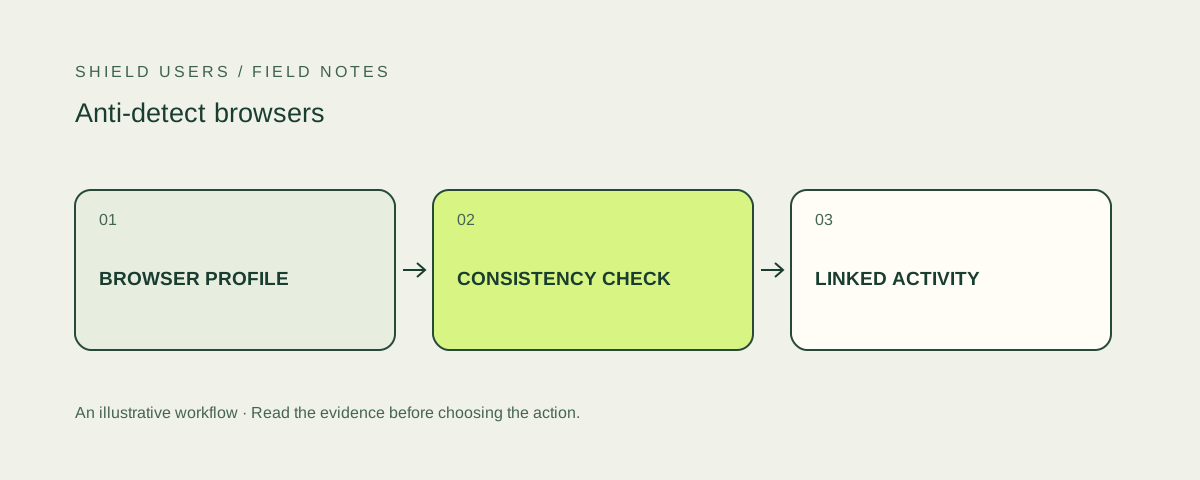
An anti-detect browser changes or isolates parts of a browser profile so sessions can present different characteristics. Detecting manipulation is a device-integrity task. Proving a specific account-abuse event requires the surrounding activity, relationships and business policy as well.
A changed fingerprint and a detected manipulation are different
A browser update, a new privacy setting or a different device can change observed attributes without profile manipulation. A useful integrity signal looks for supported evidence rather than treating any unfamiliar combination as an automatic violation.
Products may expose tampering, operating-system mismatch, automation or suspicious-profile fields. Read the actual documentation for each signal. Similar names across products do not guarantee the same collection requirements or meaning.
Keep integrity separate from identity
Device identity asks whether an environment has been observed before. Integrity asks whether the observations suggest manipulation or automation. An environment can be new and ordinary, or familiar and suspicious.
Store those answers separately. Link them to account actions and retain the time of observation. If a profile changes, avoid automatically assigning every historical event to a different person or treating one changed attribute as proof of takeover.
Investigate the behavior that matters
For promotion abuse, examine whether several accounts reuse a device or another strong relationship while claiming the same benefit. For account takeover, examine a change in access alongside the account’s authentication and recovery history.
The integrity signal helps prioritize investigation. A browser brand or an unfamiliar user agent alone is not a complete case. Define what additional evidence is needed before restricting an account or withholding a benefit.
Design a controlled evaluation
Use accounts and browser profiles owned by your team. Document which settings were changed and what the detector actually returned. Test ordinary browser versions, extensions and privacy configurations as well as the manipulated profiles.
Do not turn a few demonstrations into a universal detection claim. The useful output of the pilot is a map of supported signals, missing data and practical actions for your own signup or login journey.
Tools to consider for anti-detect browsers
Read the full scope, access terms and pilot questions before integrating.
 Editor’s Choice
ShieldLabs
A combined view of visitors, users, devices and IPs, with ready-made account abuse detections and traffic quality analytics.
Consider for Teams that want identity, masking signals and account-level risk in one product.
Read the review
Fingerprint
A device identification platform with a broad Smart Signals catalog for browser and native mobile environments.
Consider for Engineering teams building a device-centered workflow across web and mobile.
Read the review
SEON
A configurable fraud platform combining device, network and additional identity-related data in a broader investigation workflow.
Consider for Risk teams that need to combine multiple data sources and maintain their own rules.
Read the reviewSources and further reading
Product and technical sources reviewed October 21, 2026.
FAQ
Is private browsing an anti-detect browser?
No. Private browsing mainly changes local storage behavior. Profile manipulation and automation are separate properties.
Does an anti-detect signal prove fraud?
It indicates a relevant device condition. Account abuse requires interpretation alongside observed actions, identity relationships and policy.
Can I rely on a user-agent string?
A user-agent string is only one declared attribute. Detection decisions need stronger, corroborating evidence.