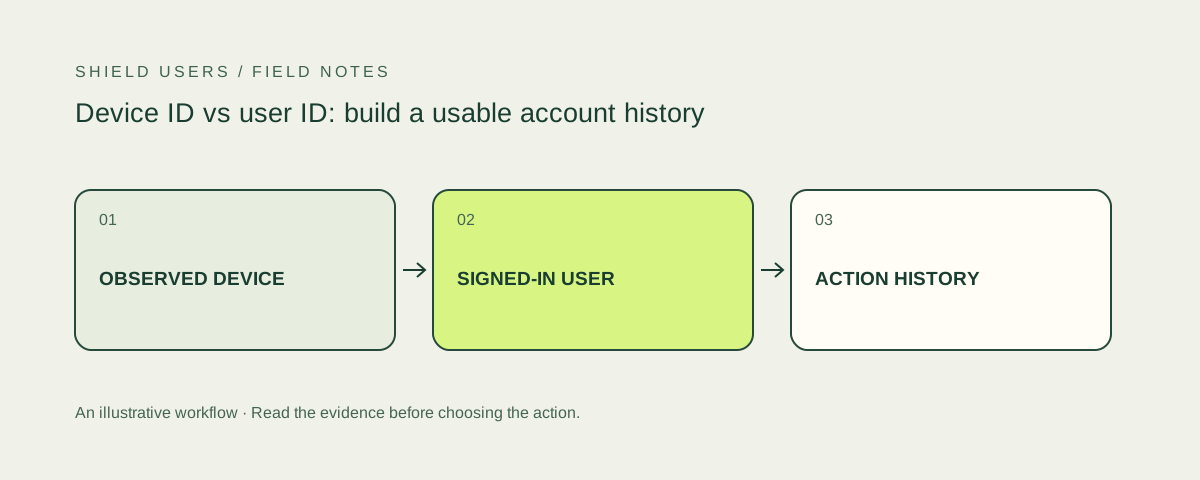
A user ID belongs to your application’s account model. A device or visitor ID belongs to a provider’s observation model. Treating them as the same thing creates brittle rules: a shared laptop starts looking like one person, while a person replacing a phone starts looking like an unrelated user.
A workable model keeps the entities separate and records when they were observed together. This supports both user protection and correction. Your team can investigate an event without permanently merging people because one signal matched.
Define each identifier in writing
Before installation, document what the provider means by device, browser and visitor. Identify the persistence rules and where the value can change. Different vendors do not necessarily use the same terms for the same entity.
Keep the authenticated user ID generated by your own application. Use a separate field for the provider’s result or request ID. That request identifier makes it possible to retrieve or inspect the observation that accompanied a particular signup, login or benefit claim.
Use a relationship table, not an overwrite
| Record | Example fields | Purpose |
|---|---|---|
| Account | Internal user ID, created time, account status | Represents the application account |
| Observation | Provider, request ID, observed time, environment ID | Represents a specific collection event |
| Account action | Action ID, user ID, action type, outcome | Records what the customer attempted |
| Relationship | Observation ID, action ID, linkage time | Connects evidence to the actual event |
These are example design fields rather than a complete database specification. The important property is traceability: an investigator should move from the account action to the observation and back without assuming that the environment is a person.
Bind the result on the server
The browser can initiate collection, but a sensitive decision should use an authenticated or verified result through the provider’s supported server integration. Protect the association between the action and the observation. An unrelated request ID must not be enough to borrow another visit’s favorable result.
Fingerprint documents server-side intelligence and result-protection options. SEON documents how its device collection connects with API requests. Review the chosen integration’s exact mechanism; the security property matters more than a generic SDK installation badge.
Design for shared and changing environments
One account may have a laptop and a phone. One laptop may serve several household members. Browser updates and privacy settings can also change available observations. These are ordinary scenarios to include in a pilot, not edge cases to discover through support tickets.
Write the account policy independently of the detector. For example, a business subscription may allow several named users, while a promotion limits a benefit by a different eligibility rule. The model should represent both instead of inferring the rule from the number of device IDs.
Keep recognition separate from authentication
Recognizing an environment can reduce uncertainty, but it does not replace proof that the current actor controls the account. Sensitive changes still need appropriate authentication and session controls. The OWASP session guidance is useful for reviewing that boundary.
If the environment changes, ask what action follows. A new phone reading a dashboard and a new phone changing recovery settings deserve different handling. The risky login guide explains a practical step-up path.
Evaluate whether the model helps an investigator
Run a controlled repeat-signup case and an ordinary shared-device case. Can your team explain each relationship? Can it identify which account action was restricted? Can it correct an incorrect relationship without deleting the underlying evidence?
Those questions reveal more about operational usefulness than an identifier appearing in a demo. Use the device fingerprinting hub to compare products by platform, identity model and the context they add.
Sources and further reading
Product and technical sources reviewed October 21, 2026.
FAQ
What is a browser fingerprint?
It is a representation built from observed browser and device properties. Products use such observations for recognition and related risk signals, with different identity definitions and limits.
Should I get a dedicated multi-accounting tool or a full-suite fraud platform?
Start with the missing capability. If your application already maintains identity relationships and account decisions, a focused component may fit. A broader platform can reduce integration work when those relationships and events are also missing.